(00)Templates
When every recurring document starts from the approved template, your team spends less time fixing the same details.
- Choose template
- Fill in details
- Check the result
In Obscura, your team picks an approved template, fills in a short form and checks the result before the document is created. Obscura files the new document in the right place from the start, and every change to the template keeps its history.
(01)The long way round
Today, most recurring documents start as a copy of the last one that someone can find.
The team chooses between copies on laptops and shared drives, and then checks by hand every detail that needs replacing. Someone pastes the letterhead in from another file, and the team decides the folder and classification only after the document is finished.
Meanwhile, an outdated file can still be used for new work, and any separate instructions on how to fill it in fall behind as the source changes.
(02)How it works
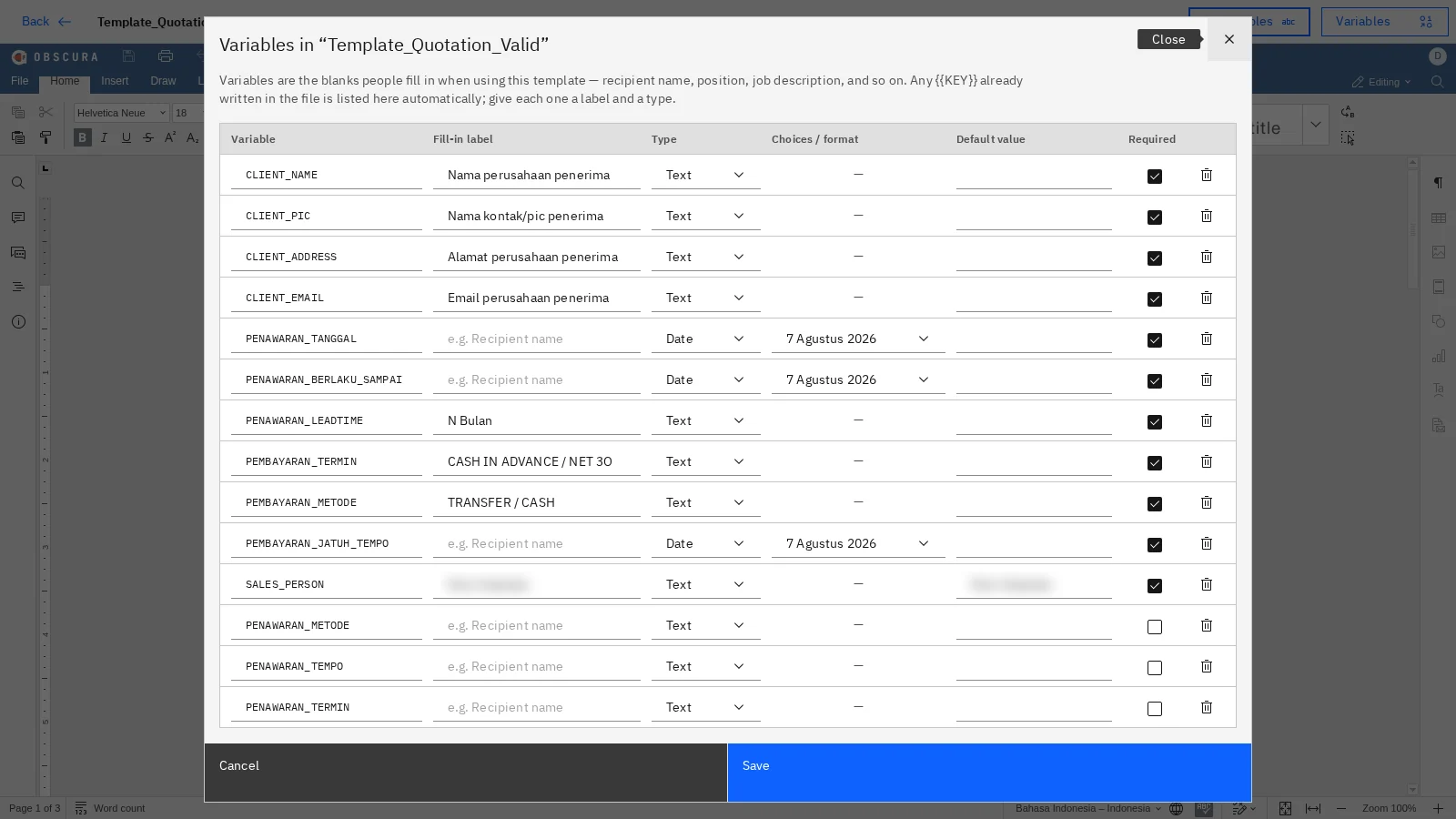
In Obscura, the template defines the fields, and a form guides each person through them.
When a template is saved, Obscura reads its fields straight from the file, so nobody has to maintain a separate list of what to fill in.
- 01
Choose
Your contracts, decision letters, proposals, minutes and letterheads live in one shared library, so everyone starts from the same approved source.
- 02
Fill in
Each template produces a form with the right fields, types and default values, and required fields are marked, so people do not need separate instructions.
- 03
Check
The rendered document appears beside the form, so you can check names, dates and values before they enter the record.
 PT CONTOH NUSANTARAQuotation
- Client
- {{CLIENT_NAME}}PT Contoh Nusantara
- Address
- {{CLIENT_ADDRESS}}Jl. Sudirman 1, Jakarta
- Date
- {{QUOTE_DATE}}7 Agustus 2026
- Payment
- {{PAYMENT_TERMS}}Net 30
Filed to Sales / Quotations · Internal

 Sample data
(03)Filing
The template also decides where each new document goes and how it is classified.
You set the destination folder, classification, document type and title pattern on the template, and every document created from it inherits those rules, so nobody has to file it afterwards.
- Folder
- Sales / Quotations
- Classification
- Internal
- Document type
- Quotation
- Title pattern
- Quotation · {{CLIENT_NAME}} · {{QUOTE_DATE}}
Illustration with sample data
(04)Letterheads
Letterheads are managed as templates, so a controlled letterhead is combined with the document body when the document is rendered.
One library holds uploaded Office files, bodies written in the built-in editor, and letterhead and footer layouts. If you use the Correspondence module, an administrator marks which templates can start a letter.
(05)Versions
Every change to a template is recorded, and retiring an old template keeps the documents it produced.
Obscura keeps the revision, the author and the time of each update. When a template is retired, nobody can use it for new work, while its history and the documents made from it remain available.
- v1Retired · earlier documents kept
- v2Updated payment terms · Legal
- v3Current · used for new work
Illustration with sample data
(06)Authoring options
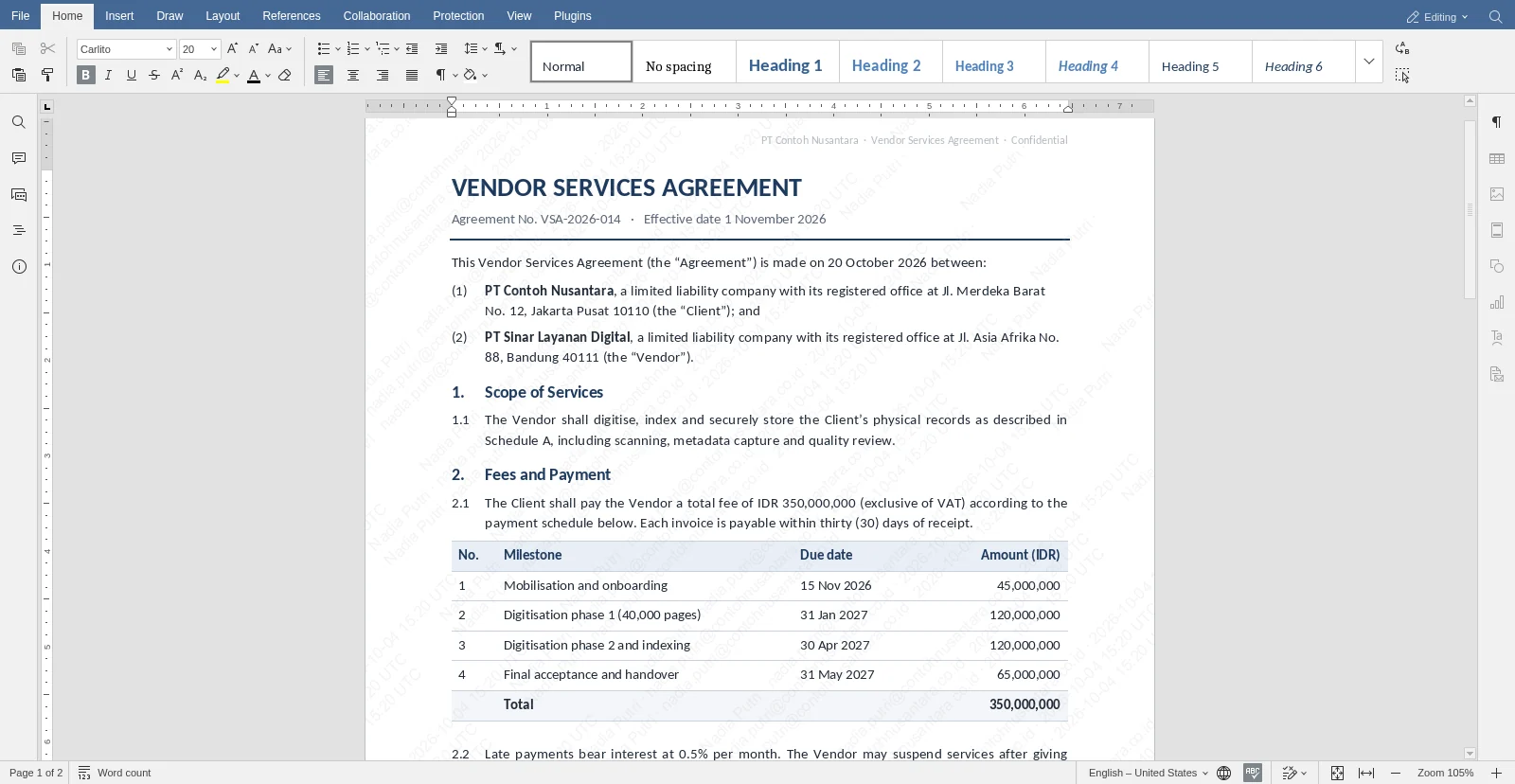
You can build a template from an Office file or in Obscura's built-in editor, and the built-in editor lets you create templates without an Office licence. Editing Word files in the browser needs the Office module.

 Sample data
(07)Next step
Start with the document your team creates most often, and test one approved template with us.
We will compare the time it takes to fill in, the review effort and how consistently it is filed. Then you can decide whether to roll it out more widely.