
(00)Comparison
An e-signature app speeds up the signature, but most of a document's journey happens before and after it.
An e-signature app is the right tool when signing is your main need. A DMS also takes care of drafting, approval and records, so the question is which scope your organisation needs to improve.
(01)Two paths
With an e-signature app only the signing step speeds up, while in Obscura the whole path moves together.
The draft is still passed around by email, the approval is still chased over chat, and the signed file still has to be filed somewhere afterwards. The signature becomes fast, but the stages around it stay as they were.
A certified electronic signature (TTE) is equally valid in either tool, so the difference between them is scope.
(02)When signing comes first
Start with an e-signature app when completing the signature is your main requirement.
- 01Outcome
Signing is the main requirement
Your priority is completing signature and e-Meterai transactions, so evaluate provider support, the signer's experience and the implementation effort.
- 02Source
Drafting and review already work
Your current tools already control revisions and approvals, or the signing provider's templates meet what your team needs.
- 03Record
Records management is in place
Your existing records system already manages the signed document, its evidence, its retention and who can access it after signing.
(03)When the whole path matters
Consider a DMS when the work before and after the signature also needs control.
- 01Authoring
Document quality starts before signing
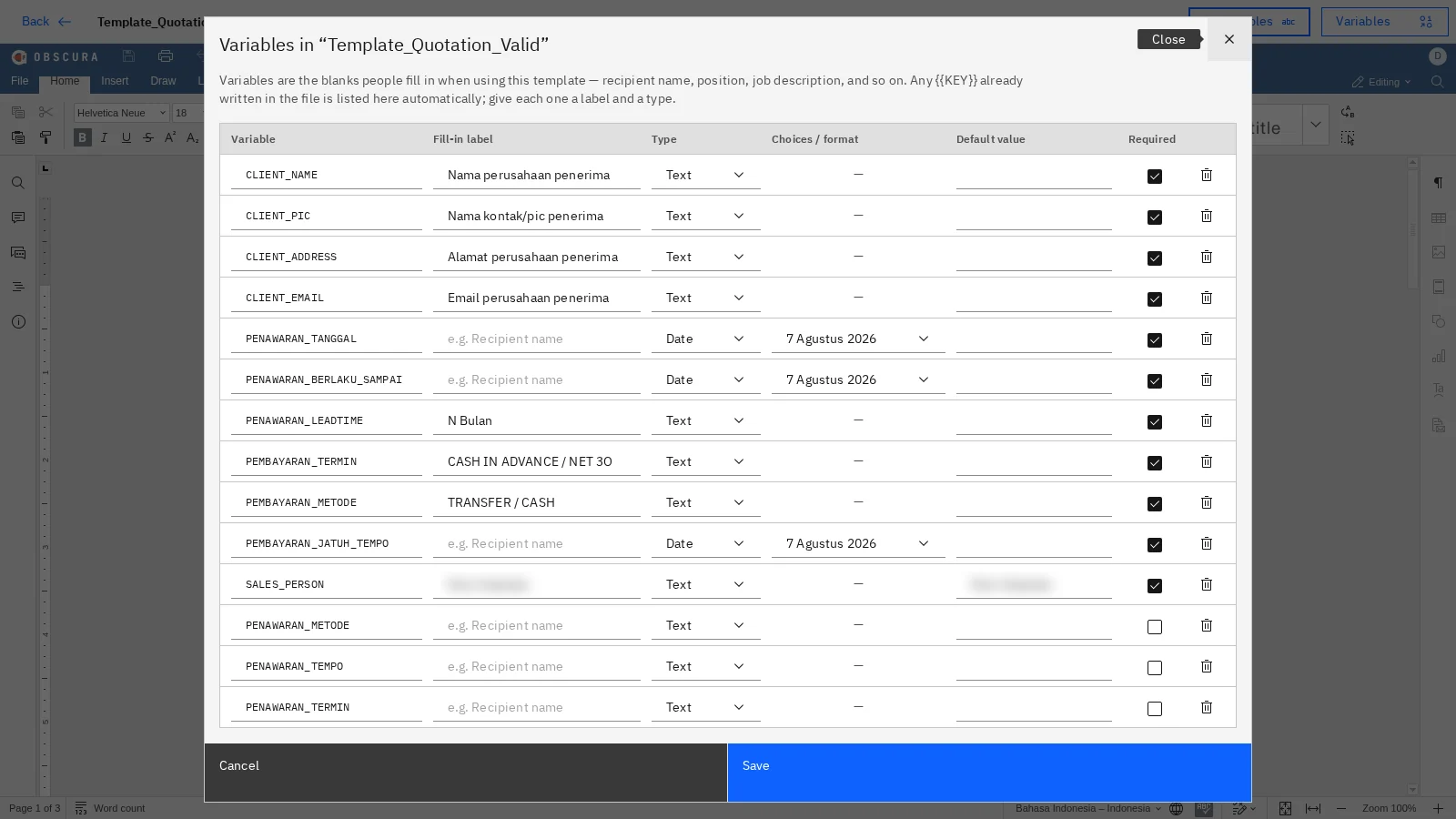
Approved templates, structured fields and version history keep the document correct before anyone signs it.
- 02Flow
Approvals need to survive staff changes
Tasks follow defined roles, deadlines and delegation, so the decision history stays intact when responsibilities move to someone else.
- 03Audit
Evidence needs to stay connected
Versions, decisions, signatures and record status stay together, so they can be reviewed later without being collected from several tools.
- 04Sensitive
Data location is a business requirement
You choose the infrastructure, access rules, backups and network connections that meet your operating policy.

 Sample data
(04)Compare the scope
Compare the work that happens before, during and after the signature.
| Requirement | E-signature app | Obscura DMS |
|---|---|---|
| Process coverage | Centred on signing; templates, approvals, contract tools and storage vary by product | One lifecycle from authoring and review through signing, filing and retention |
| Drafting and templates | Some products include signing forms or contract templates; authoring depth and version control vary | Approved templates with guided fields and document history |
| Approvals before signing | Many products set the signing order and some include approvals; role-based routing varies by product | Tiered approvals with deadlines and escalation |
| Certified e-signature and e-Meterai | Core function | Core functionThrough a configured provider, inside the document workflow (e-sign module) |
| Filing, retention and audit | Many products keep signed files and evidence; classification, retention schedules and legal hold need separate evaluation | Repository, classification, retention, legal hold and a connected audit history |
| Document access control | Applied within the provider's workspaces; permission models vary by product | Document and folder permissions, with the optional Secure Folder module for extra protection |
This is a category-level view, not a scorecard, and capabilities vary by product, plan and configuration. A DMS can also work alongside a signing provider.
(05)How to evaluate
Evaluate every option against the same requirements.
Ask each vendor to demonstrate one representative workflow, and confirm the capabilities, integrations, deployment requirements and full scope that you would be paying for.
- Before signing
- Test templates, revisions and internal approval.
- During signing
- Check the providers, the signing order and e-Meterai.
- After signing
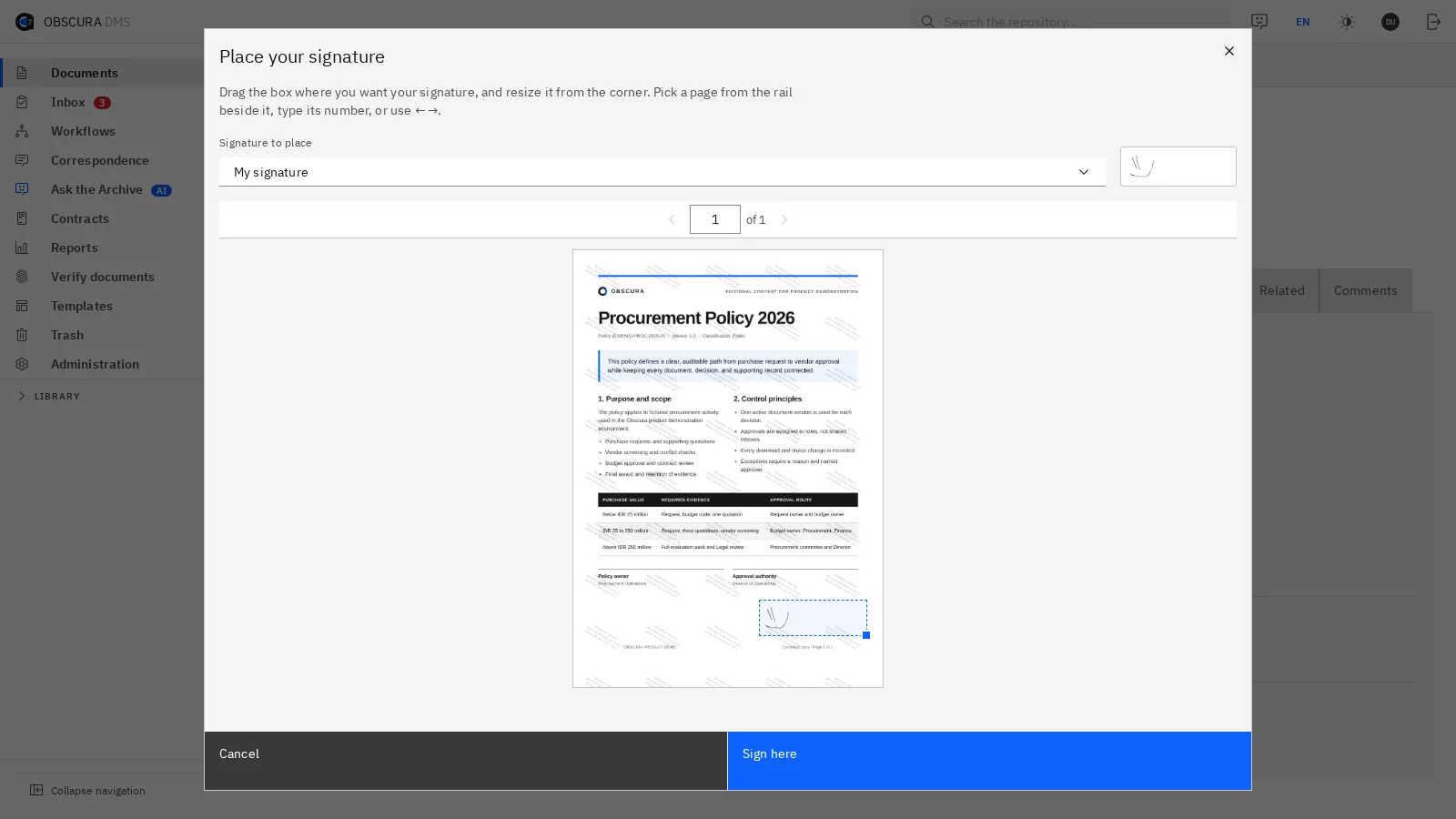
- Open the final version, the audit log, the retention rule and the access permissions.

 Sample data
(06)
Bring one agreement, and we will look at the whole process around its signature together.
We will map the steps that already run well and the handoffs that still cost time. Then you can judge whether a DMS is worth adding on top of signing.